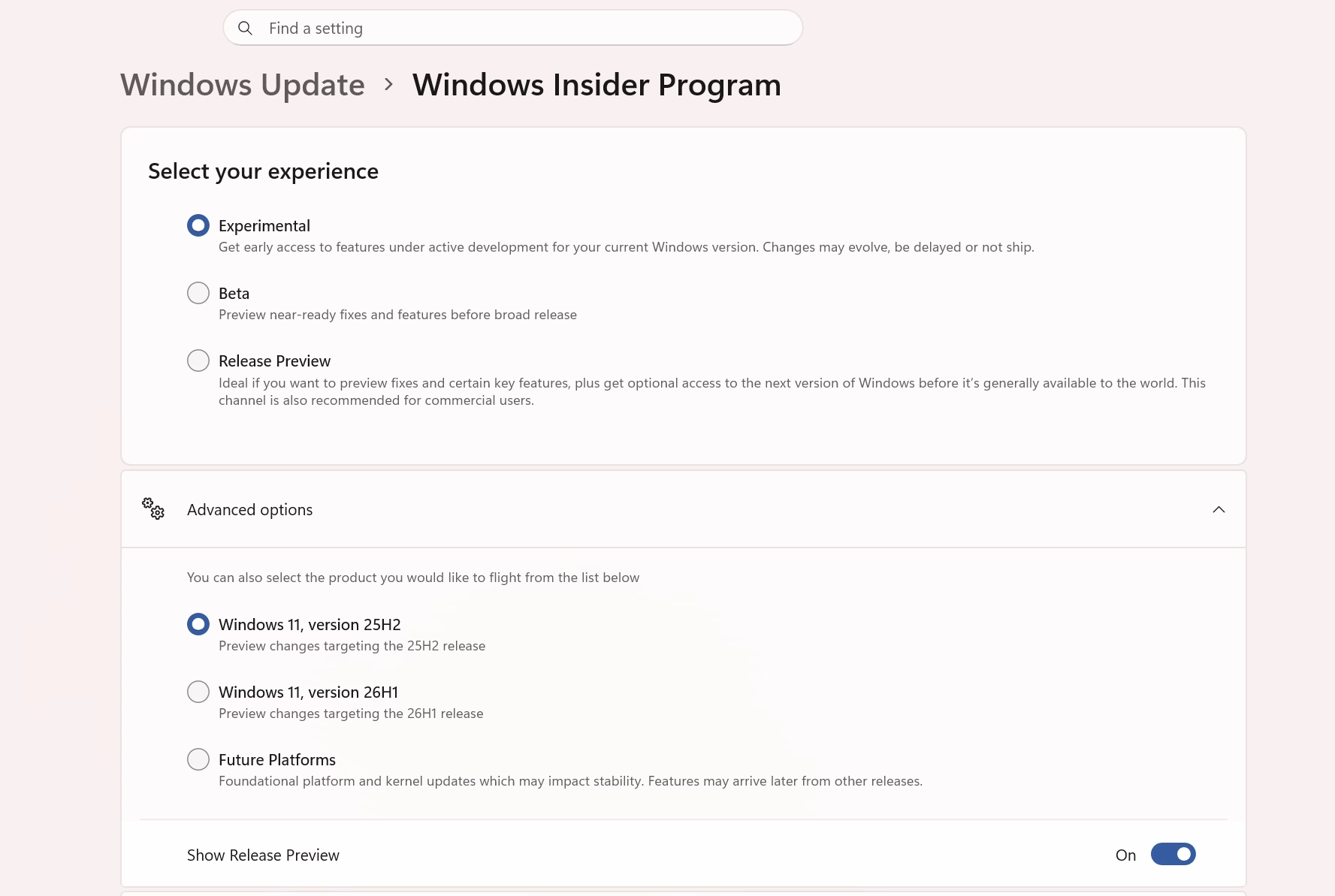
Windows Insider received a massive overhaul with new channels (Experimental, Beta and release preview) and you can also select which product/flight you want. Windows 11’s 27H2, 26H1 and 25H2 are currently serving under Expermental channel, meaning you can choose the specific version of Windows Insider. Moreover, the new flags make experimenting with upcoming Windows features much easier. Features such as the smaller taskbar and taskbar position customization have particularly caught users’ attention.
If you’ve been testing Windows 11 Insider builds without a Microsoft account, you’ve probably used OfflineInsiderEnroll by abbodi at some point. It’s a lightweight command-line script that lets you enroll into any Insider channel directly no login required. Version 2.6.6 is out now, and this one’s worth grabbing because it adds support for Microsoft’s newly renamed Insider channels.
What Changed in Windows Insider Channels
Microsoft recently overhauled the Windows Insider Program and renamed all its channels. The old Canary / Dev / Beta structure has been replaced with a cleaner two-track system. If you haven’t kept up with the changes, here’s the quick mapping:
| Old Channel | New Name |
|---|---|
| Canary (29600 series) | Experimental Future Platforms |
| Canary (28020 series) | Experimental (26H1) |
| Dev Insider (26300 series) | Experimental |
| Beta (26220) | Beta (unchanged) |
| Release Preview (26200) | Release Preview (unchanged) |
Worth noting: the names only changed in Windows itself and the WIP interface. Under the hood, the registry still uses the old channel names — so nothing technically breaks.
What OfflineInsiderEnroll 2.6.6 Lets You Do
Download
Grab the latest version from GitHub:
- Source & info: github.com/abbodi1406/offlineinsiderenroll
- Direct download (releases): github.com/abbodi1406/offlineinsiderenroll/releases
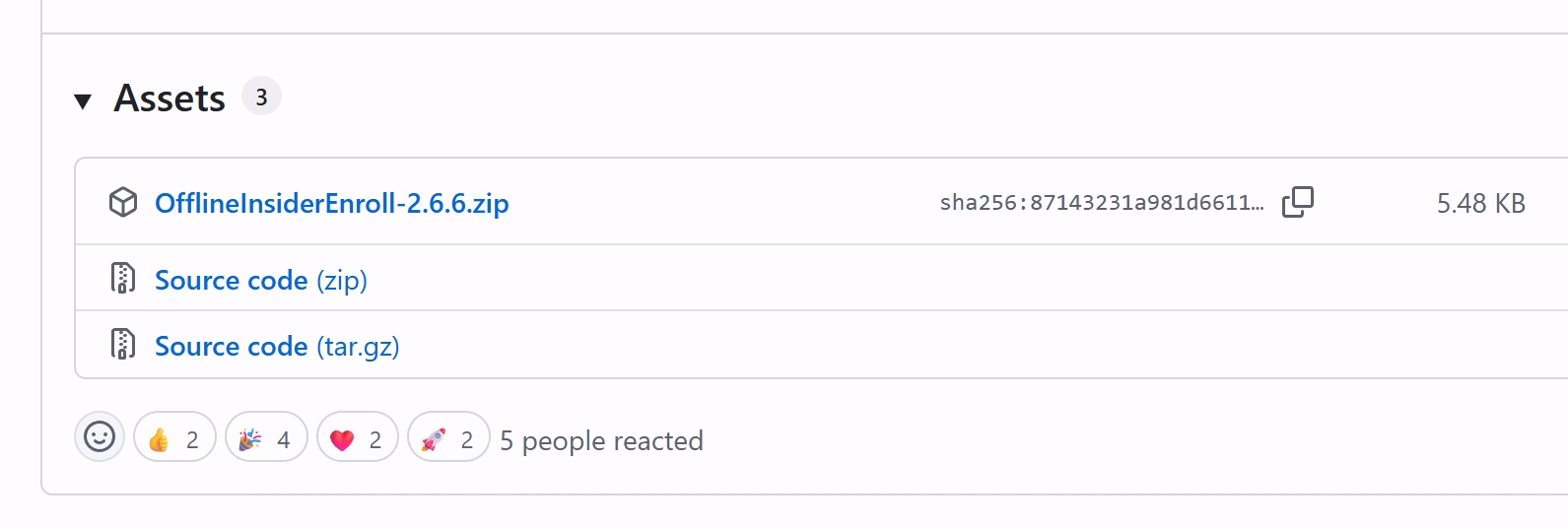
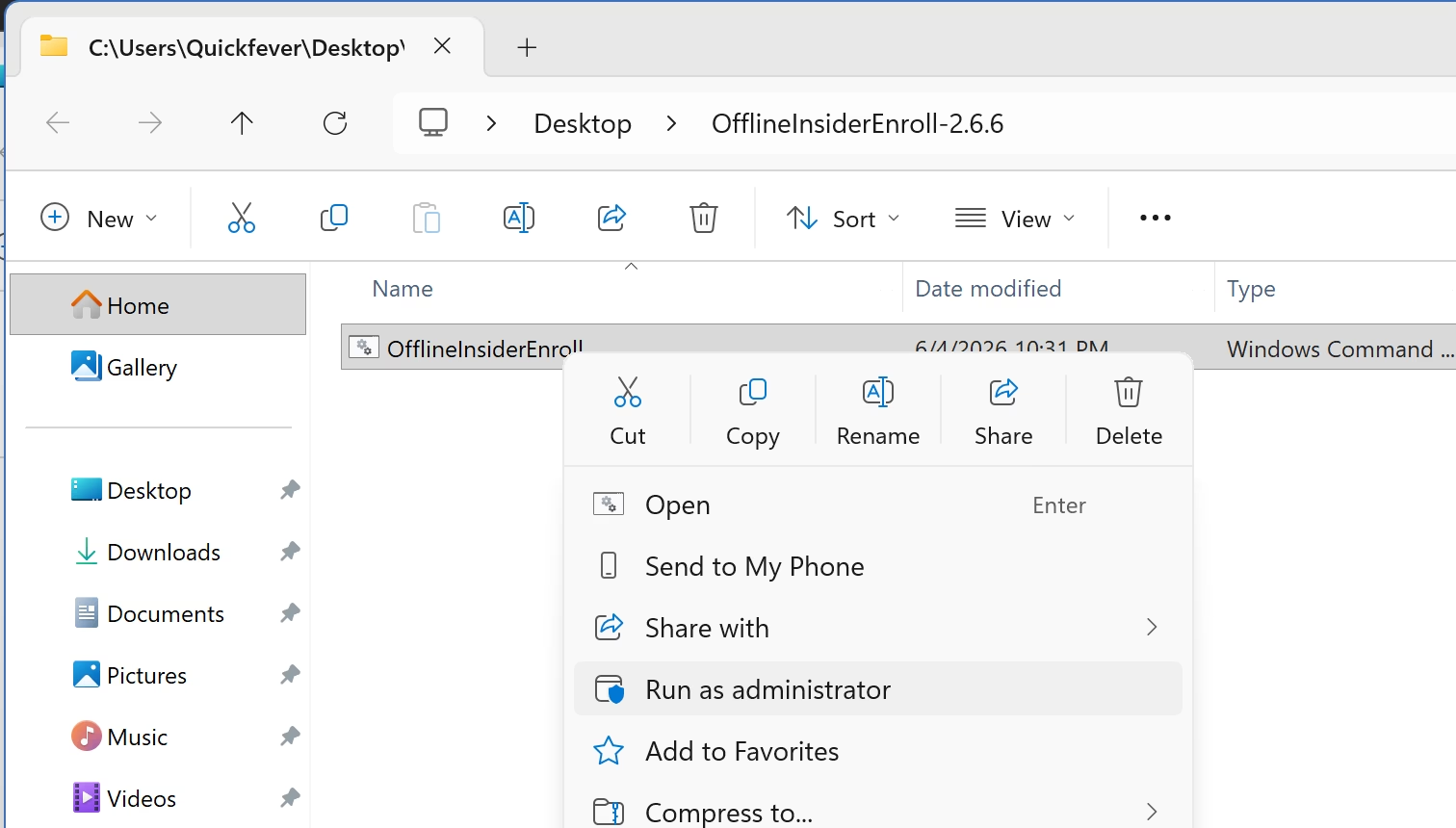
Run OfflineInsiderEnroll.cmd as Administrator (right-click → Run as administrator), and you get a simple numbered menu:
Here is a simple explanation for this options you have.
- 1 — Experimental Future Platforms (formerly Canary 296xx)
- 2 — Experimental (26H1) (formerly Canary 28020)
- 3 — Experimental (formerly Dev Insider 26300)
- 4 — Beta (26220, same as before)
- 5 — Release Preview (26200, same as before)
- 6 — Refresh the Windows Update scan cache
- 7 — Reset Insider configuration
- 8 — Stop receiving Insider builds
- 9 — Exit without making changes
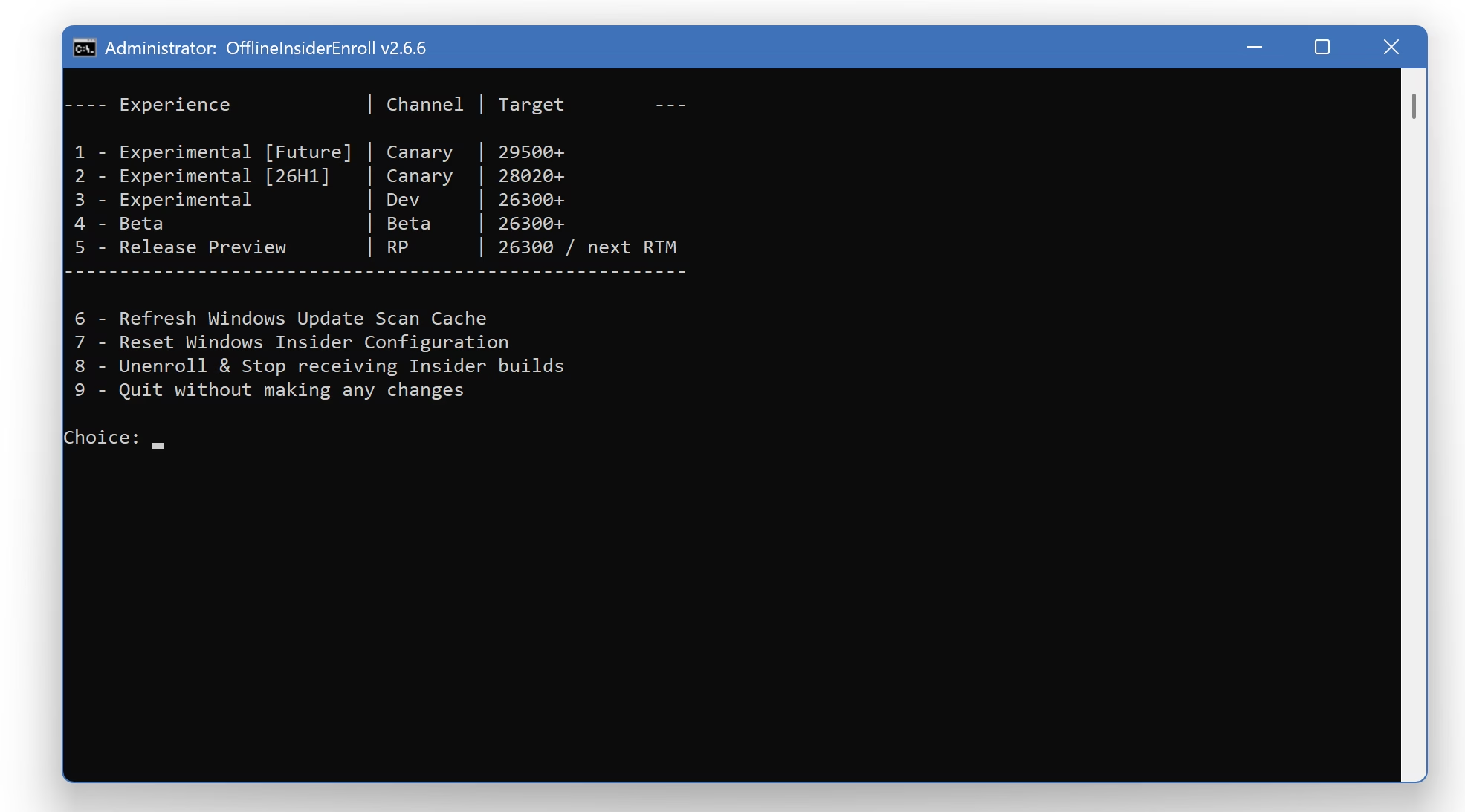
It’s straightforward — pick your channel number and you’re enrolled. No Microsoft account, no browser, no fuss.
Now navigating Windows Update > Windows Insider Program should display the new terms for different channels. If it doesn’t show, give of take a few restarts and you’re good to go.
A Few Things Worth Knowing
The developer, abbodi, has been transparent about some limitations and design choices in this version:
- The new UI options visible in Windows 11 Settings can be seen but currently don’t work for switching channels — you still need to use the script for that.
- The “Refresh WU scan cache” option attempts to reset Windows Update scan results but does not kick off a new scan on its own.
- “Reset Insider configuration” removes your current setup but does not fully undo everything — it leaves the boot flag for Flightsigning in place.
- An internal ring called WindowsInnerRing exists but requires an OSG ring — it’s not accessible through this tool.
If you want to leave the Insider program entirely, you can also do it through the Registry. Keep in mind that you can do an in-place upgrade back to a retail build from the Experimental, Beta, and Release Preview channels without a clean install — but it’s always smart to have a backup before you do.
TLDR: Windows 11, Windows Insider, Tools, OfflineInsiderEnroll