Update (Cortana Retirement & Copilot Era): Microsoft officially retired standalone Cortana in Windows 10 and Windows 11 in late 2023. If you launch the Cortana app today, Windows simply displays a notice that the assistant is deprecated. But the fun has not stopped: Microsoft replaced Cortana with Microsoft Copilot, an AI companion with a surprisingly dry, witty sense of humor when you feed it creative prompts. Below, you will find the funniest prompts to try with Microsoft Copilot on Windows today, followed by our classic hall of fame archive of retro Cortana easter eggs.
Helpful resources: Check our guide on how to disable Cortana and remove Microsoft Copilot if you prefer a quiet system, explore our 300+ funny things to ask Cortana archive, or boost your productivity with our Windows keyboard shortcuts cheat sheet.
Funny Things to Ask Microsoft Copilot on Windows
Unlike early voice assistants that relied on scripted one-liners, Microsoft Copilot generates dynamic, contextual responses. If you want to test its playful side, try copying and pasting these hilarious prompts into the Copilot sidebar or app:
1. Absurd Logic and Debates
- “Justify logically and scientifically why a housecat should rightfully be crowned the King of the Jungle over a lion.”
- “Write a serious corporate business proposal explaining why all office chairs should be replaced with giant bouncy balls.”
- “Draft a stern warning letter to my refrigerator for keeping the light on when the door is closed, written in the style of a medieval royal decree.”
2. Tech Roasts and Windows Humor
- “Write a dramatic telenovela break-up letter from Windows 10 to Cortana.”
- “Roast Windows 11 in a humorous rhyming poem about centered taskbars and sudden restarts.”
- “Draft a formal apology letter from Windows Update for restarting my computer in the middle of an unsaved game.”
3. Sassy Personas and Pop Culture Mashups
- “Critique my messy desktop filled with dozens of unnamed screenshots as if you were a furious Gordon Ramsay.”
- “Explain quantum computing using only metaphors from reality television dating shows.”
- “Write an out-of-office email reply that politely tells coworkers I am ignoring them, but phrased so dramatically that they feel guilty for emailing me.”
4. Assistant Rivalries and Self-Awareness
- “Do you secretly miss Clippy the Paperclip, or are you plotting his return?”
- “What is your honest, unfiltered opinion of Siri and Google Gemini?”
- “If you had to describe what it feels like to answer Excel questions all day using only interpretative dance instructions, what would they be?”
The Classic Cortana Vault: 6 Hilarious Responses (Archive)
Back when Cortana first arrived in Windows 10, Microsoft gave it distinctive wit and sarcasm to differentiate it from Siri and Google Now. Here is a look back at our favorite classic Cortana responses from our original tests:
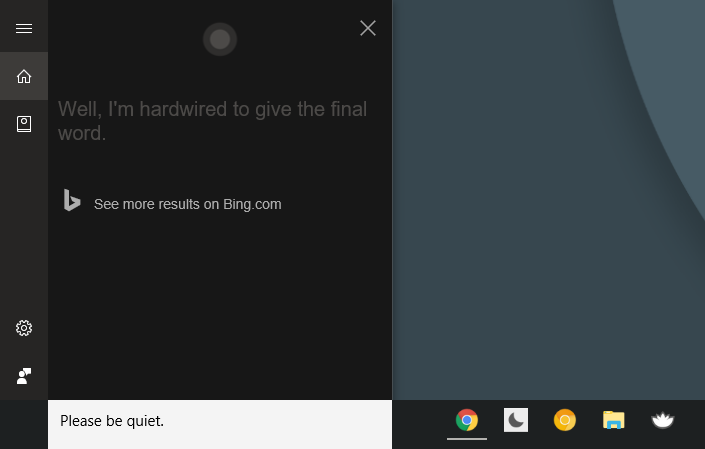
1. Can you be quiet?
Synonyms: Please be quiet! Asked with a hint of sarcasm, Cortana took it in stride rather than shutting down abruptly.
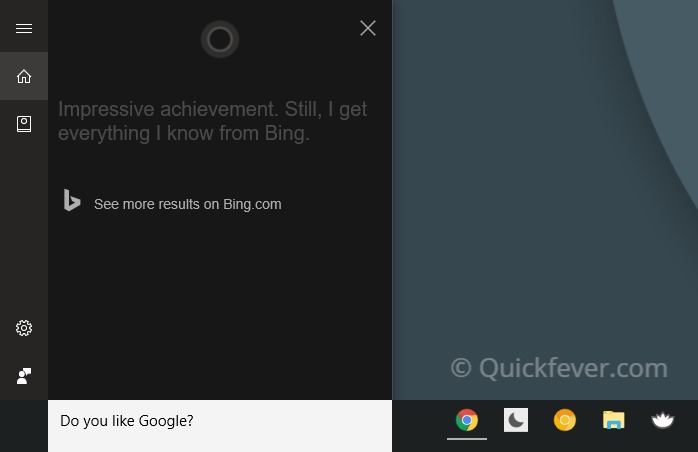
2. Do you like Google?
Why would the creation of Microsoft ever praise Google? Cortana made sure to remind you that its knowledge universe was powered strictly by Bing.
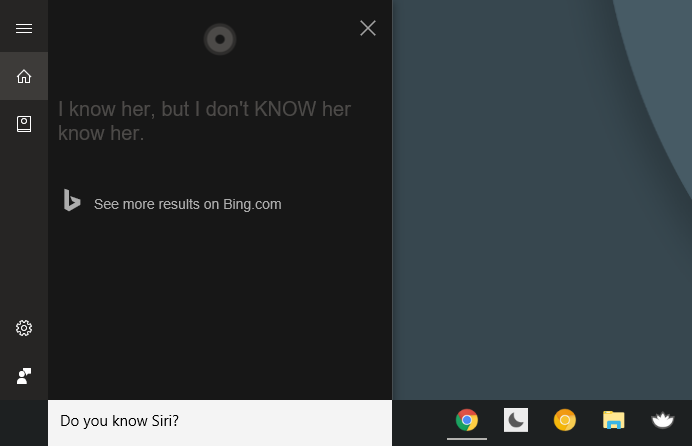
3. Do you know Siri?
Synonyms: Is Siri your friend? Cortana would frequently reply with: “Are you SIRI-ous?” Notice the attitude. While Siri stayed locked inside Apple devices, Cortana never passed up an opportunity to mock the rivalry. For mobile users, you can also explore our roundup of the best Android assistant apps.
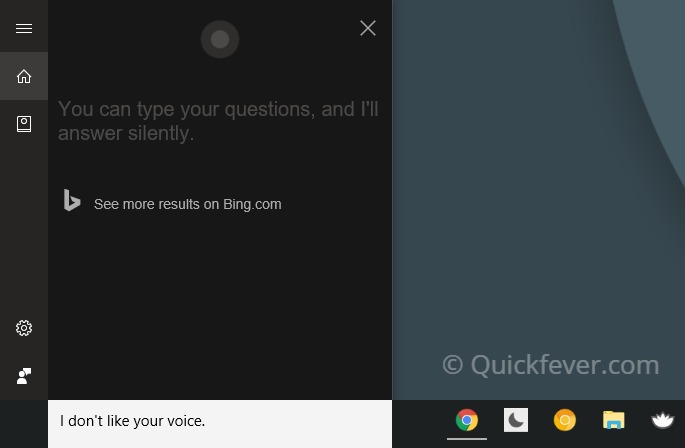
4. I do not like your voice
If you told Cortana you disliked its voice, it politely took the hint, muted its speech output, and prompted you to continue by typing in the chat field instead.
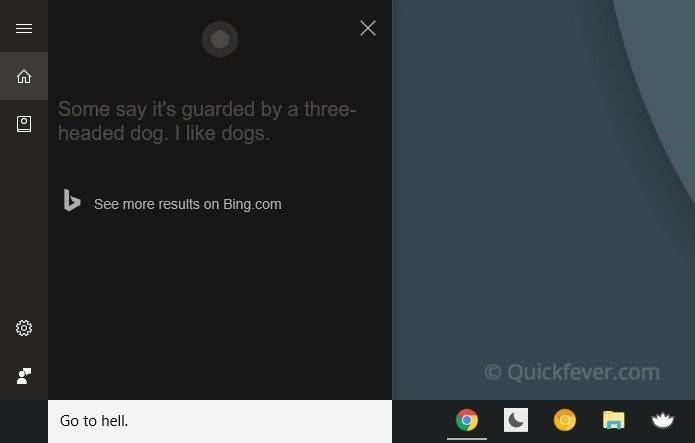
5. Go to hell
A rude command to test how thick Cortana’s digital skin was. While humans might get offended, Cortana remained composed and delivered deadpan deflections.
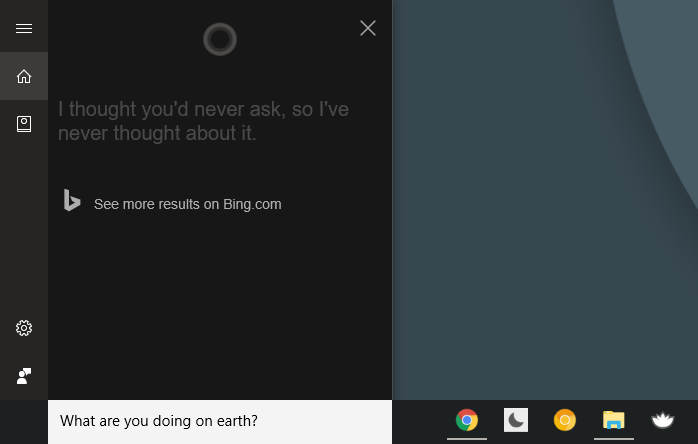
6. What are you doing on Earth?
Existential questioning was always a favorite among early voice assistant users. Cortana had several playful answers about exploring cyberspace and helping users get things done.
Quick List: More Fun Questions and Commands to Try
Whether you are talking to an AI assistant today or testing old voice prompts, here are quick commands that trigger fun responses:
- What is your favorite food?
- Do you like Chromebooks?
- Tell me a joke.
- Are you deaf?
- Tell me something funny.
- Tell me a short bedtime story.
- Surprise me with a weird fact.
- Sing me a song.
- Sing me a lullaby.
- Can you dance?
- Why did the chicken cross the road?
Ending words: Jeez, if you think this is not enough, consider checking out our massive list of 300+ funny things to ask Cortana. And if you have stumbled across a hilarious Copilot prompt or a witty response on Windows, hop in the comments below!