How to Get Ad-Free YouTube on Mobile and TV in 2026 (ReVanced & TizenTube Cobalt)
If you are still searching for the classic “YouTube Vanced” APK, we have some bad news and some great news. The original Vanced project was officially discontinued years ago, and those old 16.xx versions no longer work.
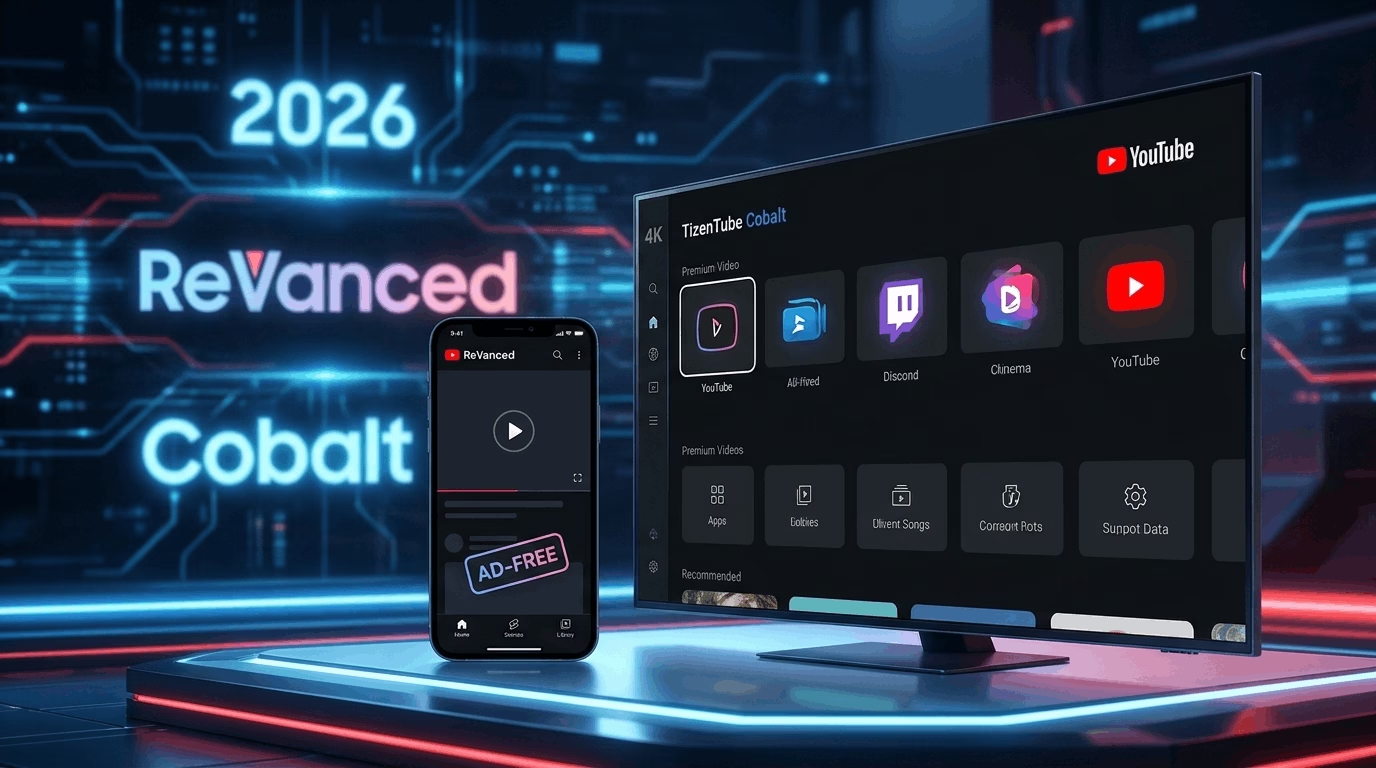
However, the spirit of Vanced lives on. Today, the landscape is dominated by two massive open-source powerhouses: ReVanced for Android mobile devices, and TizenTube Cobalt for Android TV and Fire TV devices. Here is everything you need to know about getting an ad-free, premium YouTube experience across all your screens today.
Part 1: For Android Mobile ReVanced Manager
ReVanced is the official, community-driven successor to YouTube Vanced. Instead of distributing a pre-modified app (which violates terms), ReVanced provides a Manager tool that safely patches the official YouTube app directly on your phone.
Key Mobile Features:
- True Ad-Blocking: Completely removes pre-roll, mid-roll, and background banner ads.
- Background Playback: Keeps your music or video audio running even when you lock your screen or switch apps.
- SponsorBlock Integration: Automatically skips annoying in-video sponsor segments, intros, outros, and subscription reminders.
- Return YouTube Dislike: Brings back the public dislike counter using community data.
Mobile Toolkit & Requirements:
To set this up on a non-rooted Android phone, you will need three specific files. Do not download pre-patched APKs from random websites, as they often contain malware. Only use the official tools:
- ReVanced Manager: The official app engine used to apply the patches.
- GmsCore (MicroG): A lightweight compatibility layer that allows you to safely log into your Google Account so your history and subscriptions sync.
- Official YouTube APK: Download a clean, uninstalled companion version from a trusted source like APKMirror (The ReVanced Manager app will explicitly tell you which version number is currently recommended).
Part 2: For Android TV & Fire TV TizenTube Cobalt
If you want that exact same premium experience on your television, you no longer have to settle for clunky mobile ports. TizenTube Cobalt has emerged as one of the best choices for TV screens, built explicitly to mimic the clean layout of the official YouTube TV app.
What is TizenTube Cobalt?
Originally built for Samsung’s Tizen OS, the developer ported the project to Android TV/Fire TV via TizenTube Cobalt. It utilizes “Cobalt”—the exact same lightweight HTML5 runtime architecture that Google uses for native TV applications.
Key TV Features:
- The Stock Experience: Unlike other clients that radically change the layout, TizenTube Cobalt preserves the exact user interface, smooth animations, and account-syncing behavior of the official YouTube TV app.
- SponsorBlock & DeArrow Support: Seamlessly skips baked-in video sponsors and replaces noisy, sensationalized clickbait titles or thumbnails with neutral, community-generated alternatives.
- Playback Speed Control: Adds custom speed adjustments—a quality-of-life feature completely missing from the official stock television app.
TV Toolkit & Installation:
Because it isn’t hosted on the Google Play Store or Amazon App Store, you must sideload it:
- The Downloader App: Install this utility app directly from your TV’s official app store.
- TizenTube Cobalt APK: Open the Downloader app and point it to the official TizenTube Cobalt GitHub Releases page to grab the latest
AFTVpackage. - Turn on Unknown Sources: Go to your TV’s Settings > Security & Restrictions (or Developer Options) and allow your Downloader app to install unauthorized packages.
A Note on Safety: Both ReVanced and TizenTube Cobalt are fully open-source projects. They do not require rooting your phone or jailbreaking your TV, making them completely safe alternatives to enjoy content without distraction.